


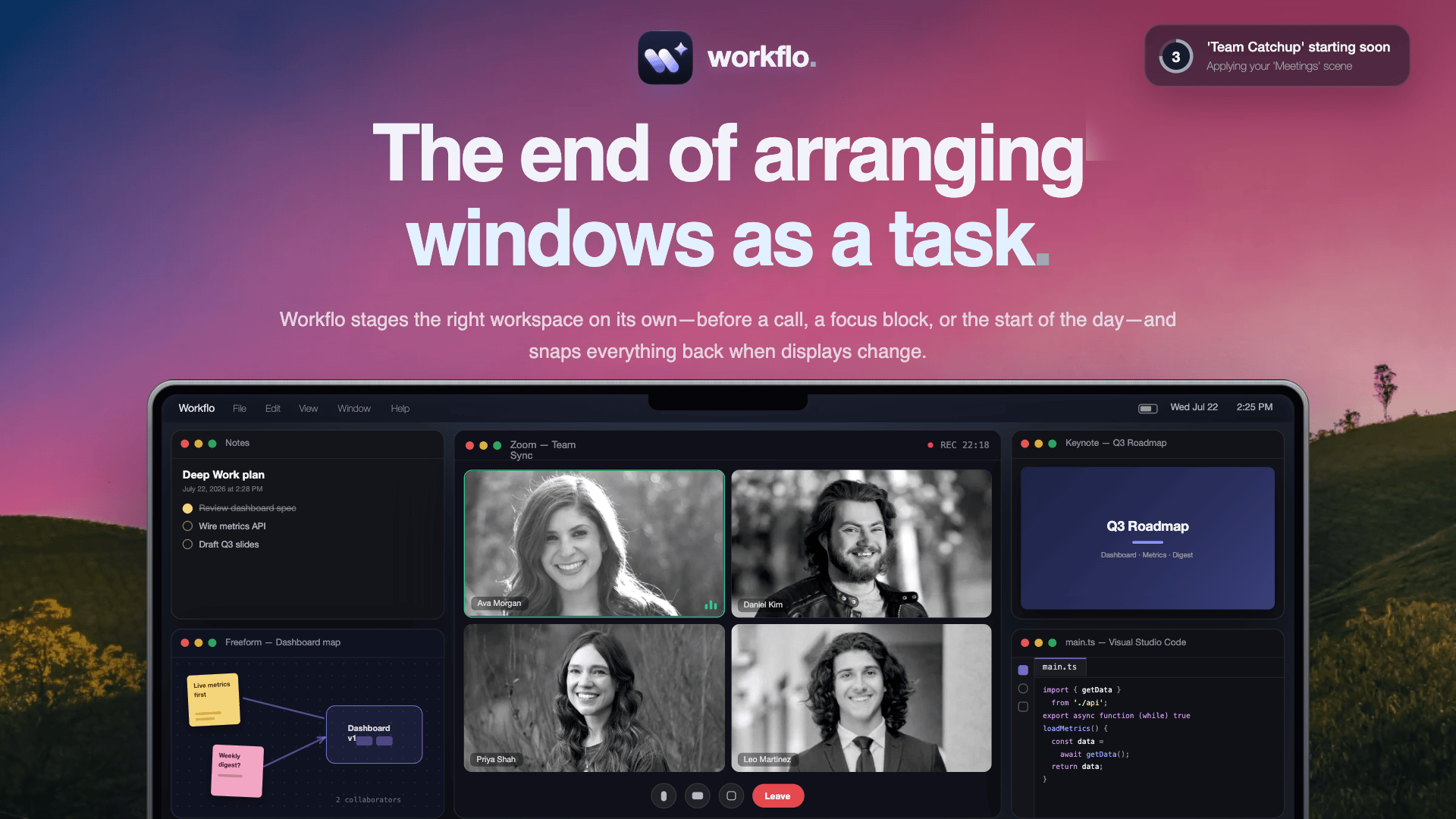
Workflo stages your Mac workspace on its own: it opens the apps you need, places every window, and clears the rest, from your calendar or the clock.
- Official License
- Instant Delivery
- 1 Mac
- Secure Checkout

Workflo
Lucid Labs·v1.5.4
- Official license · Direct from developer
- Instant Download Access
- 1 Mac
- Secure Checkout
Your workspace, set before you ask.
Scenes that open your apps, place every window, and clear the rest, on their own.
If you work across more than a handful of windows, you already know the tax: every meeting, every context switch, every time you dock or unplug, you spend the first minute dragging things back into place. Workflo fixes that. It's a small, native macOS app that captures your working setups as Scenes and puts them back on its own, so the workspace is ready before you are.
Set up a Scene once by arranging your windows, or build one in Scene Studio without touching anything live. Then give it a Trigger, a calendar event or a time of day, and stop thinking about it. Everything lives locally on your Mac.
Key features
Why you'll love it
Workflo replaces the daily ritual of rebuilding your desktop by hand. Sit down and the windows are already where you left them, share your screen without a scramble, and unplug from your desk without paying for it twice.







What You Can Do
3 use cases for Workflo
Frequently Asked Questions
Common questions about this deal
01What's included with Workflo on BundleHunt?
Workflo on BundleHunt includes a license key and instant download access. The license is obtained directly from the developer and activates the latest version of the software.
02How do I get my Workflo license key?
After purchasing Workflo through BundleHunt, your license key and download link will be available immediately in your account under "Downloads & Licenses". You can access them anytime.
03What version of Workflo will I receive?
You will receive the developer's most up-to-date version of Workflo, fully activated and ready for immediate use.
