Offer Expired

OwlOCRDeal No Longer Available

This special offer has ended. Get notified when similar deals become available.

Active Deals You Might Like

View All Deals
SAVE 35% • Was $29.95

Unlock over a thousand hidden macOS settings and run one-cli...

35% OFF
From
$19.47$29.95
SAVE $10.48
SAVE 25% • Was $7.99

Grab text from anywhere on screen — images, video, PDFs, scr...

25% OFF
From
$5.99$7.99
SAVE $2.00
SAVE 30% • Was $19.99

Shrink oversized PDFs without visible quality loss. Drag, dr...

30% OFF
From
$13.99$19.99
SAVE $6.00
SPECIAL OFFER

AppVault snapshots your setup, updates apps, secures keys, a...

From
$24.99$29.99
SAVE $5.00
HOT DEAL • 95% OFF

100% Safe and Easy-to-use NTFS for Mac Tool

From
$2.50$49.95
SAVE $47.45
OwlOCR

OwlOCR

JonLucav6.4.2Productivity

Capture any text on your screen

$8.99
$9.99
10% OFF
Deal Ended

This deal is no longer available.

OwlOCR
OwlOCR Screenshot 1
OwlOCR

OwlOCR

JonLuca·v6.4.2

$8.99$9.9910% OFFEnded
  • Share

Grab any text on the screen, convert images or scans to searchable PDFs, open QR-coded URLs,
integrate via CLI, access with Finder Extensions, and more.

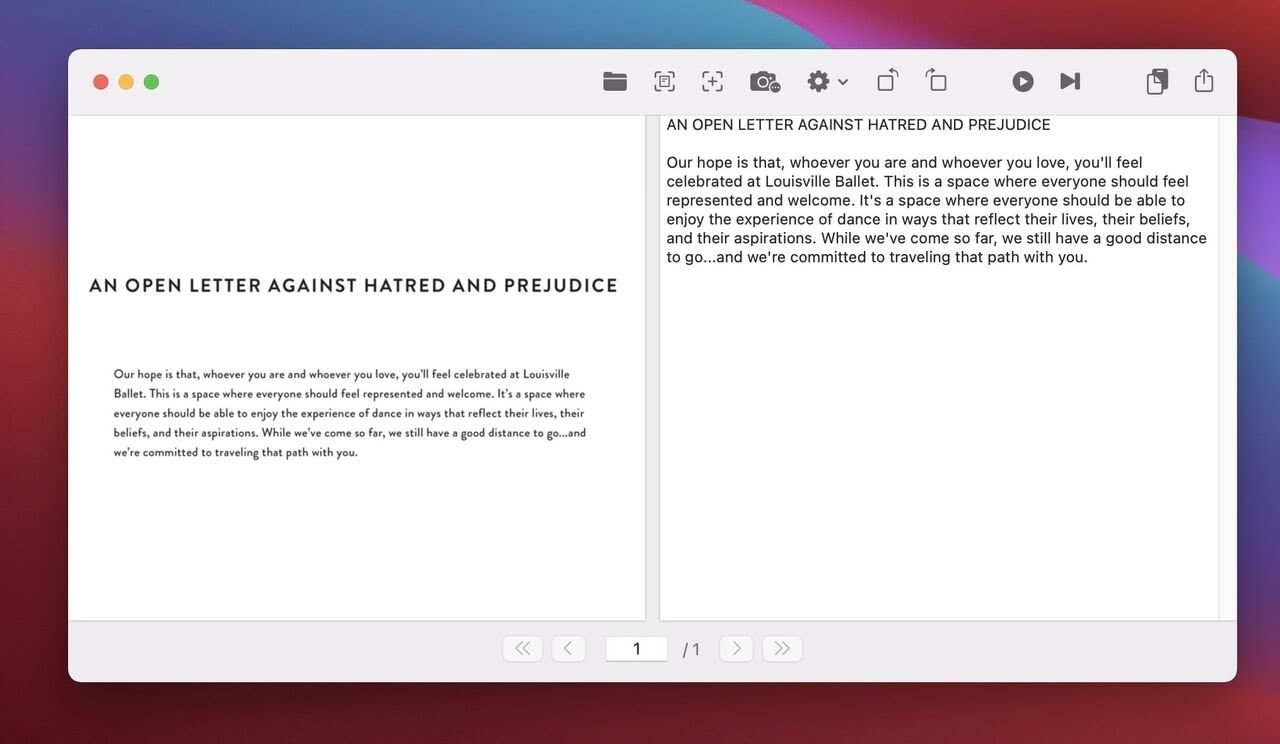
OwlOCR lets you grab a part of the screen and instantly recognize and copy text to the
clipboard. It also recognizes text from PDF files and images, and can convert the contents
to plain text. All processing is done securely on-device—none of your images or files are
sent to third-party cloud services.

The output is plain text you can copy and paste into any app. You can also export a PDF with
the recognized text as an invisible text layer.

Features

Grab a screen area for instant OCR and copy results to the clipboard.
High-quality text recognition performed securely on-device.
Run OCR page-by-page, for a directory, or for a group of files.
Scan documents with iPhone or iPad (see requirements: Apple support article ).
Export searchable PDF files.
Create searchable PDFs or extract text via Finder Extensions.
Scan barcodes and QR codes and open links automatically (NEW).
Integrate with your favorite tools using OwlOCR CLI (NEW).
Customize OwlOCR to run as a menu bar or dock app.
Wrap text naturally or as in input.
Custom dictionary for industry-specific terms.
Choose line spacing from 1.0 to 4.0.
Option to start automatically on macOS launch.
Supported input types: PDF, GIF, PNG, JPEG, JPG.
Shortcut Cmd + F1 (configurable) for single area OCR, even in background.
Shortcut Cmd + F2 (configurable) for multiple area captures.
Requires macOS Catalina or newer.
macOS 11 language support: English, French, Italian, German, Spanish, Portuguese, Traditional Chinese, Simplified Chinese.
macOS 10.15 language support: English only.
Dark Mode supported, plus B&W/Color options for the menu bar icon.
Runs natively on Apple Silicon and Intel processors.

Pro Features

Batch OCR for multipage PDFs and multiple documents in parallel.
Finder Quick Actions on multiple files.
Capture up to 20 screenshots with multi-screenshot mode.
Run post-process rules automatically.
Command-line support for integrations.

What You Can Do

1 use case for OwlOCR

Frequently Asked Questions

Common questions about this deal

01What's included with OwlOCR on BundleHunt?

OwlOCR on BundleHunt includes a license key and instant download access. The license is obtained directly from the developer and activates the latest version of the software.

02How do I get my OwlOCR license key?

After purchasing OwlOCR through BundleHunt, your license key and download link will be available immediately in your account under "Downloads & Licenses". You can access them anytime.

03What version of OwlOCR will I receive?

You will receive the developer's most up-to-date version of OwlOCR, fully activated and ready for immediate use.