Loading...
Official license · Direct from developer
Version 1.2.9
Official license · Direct from developer
Developer
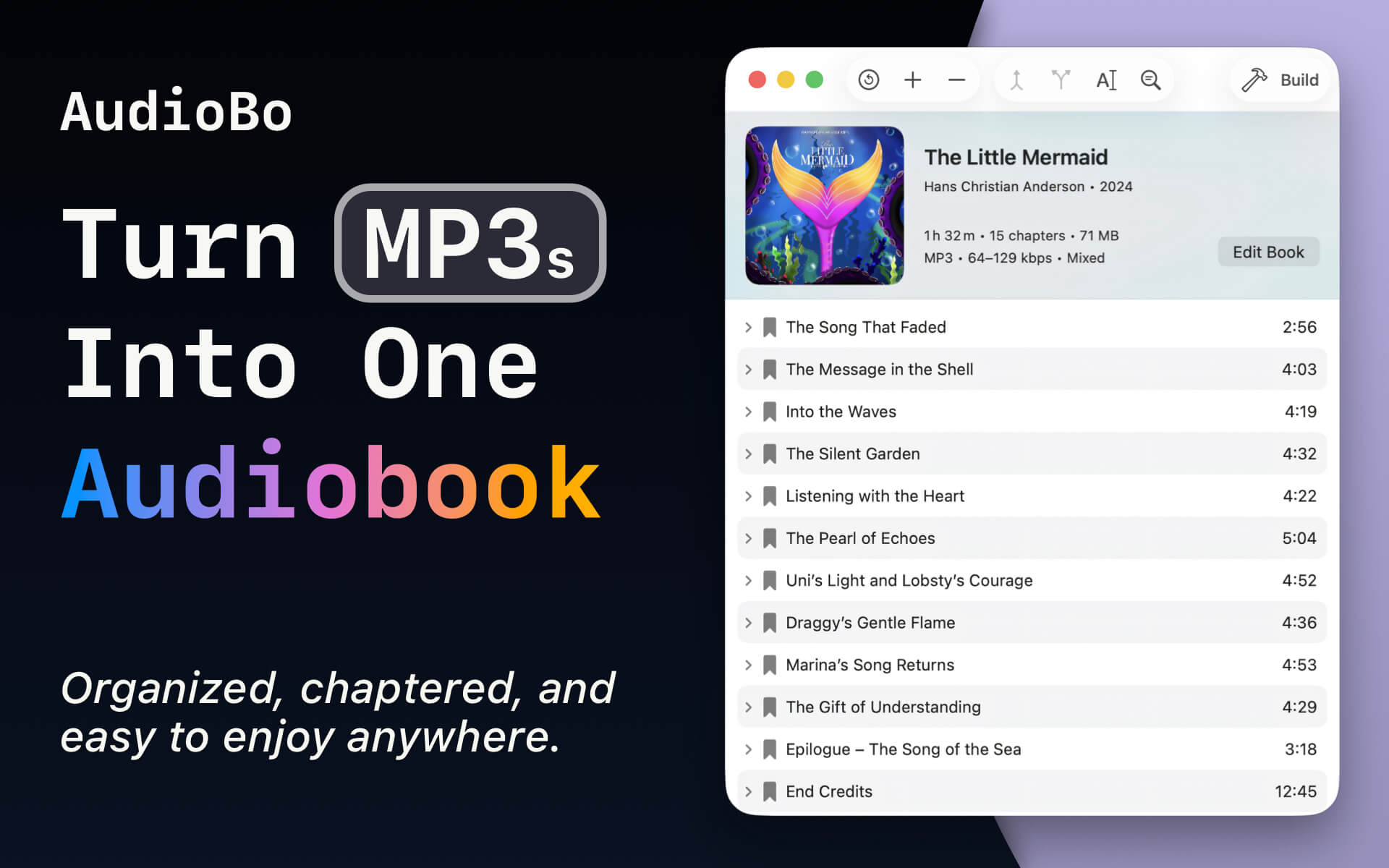
OrsoLabsAudioBo turns messy audio files — MP3s, M4A files, CD rips, saved YouTube lectures, podcasts, and long recordings — into clean M4B audiobooks with chapters, cover art, metadata, and reliable playback position. Fetch details from Audible, organize your library, and make your audiobooks feel like they belong in Apple Books, CarPlay, or your own media server.
“It’s my go-to app for building audiobooks on macOS" — 9to5Mac review by Bradley C.
“An amazing app with the function to search for chapter divisions and apply to files with messed up or no divisions to start with."
⭐️⭐️⭐️⭐️⭐️ — szetou on the Mac App Store (CA)
“I cannot recommend this more highly. I only wish I could give it six stars rather than five."
⭐️⭐️⭐️⭐️⭐️ — Mike W Perry on the Mac App Store (US)
“This tools is absolutely incredible. I don’t mind using CLI tools for tasks, but the convenience and flexibility of this app, including the ability to simply update M4B metadata is incredible."
⭐️⭐️⭐️⭐️⭐️ — AngryJuniper on the Mac App Store (US)
For anyone who wants a proper M4B audiobook — without a PhD in terminal tools, codecs, or settings. AudioBo handles the technical choices for you, aiming for the best possible quality without unnecessary file size bloat.
- No arbitrary limits
Create audiobooks of any length — from short recordings to multi-hour projects — without forced splitting or awkward workarounds.
- No unnecessary re-encoding
If you only change metadata or artwork, AudioBo preserves the original audio stream — no quality loss, no wasted processing.
- Pull metadata from the web
Search Audible, Apple Books, MusicBrainz, and Google Books to fill in cover art, book info, and chapter names - all in one click.
- Correct M4B container & chapter standards
AudioBo writes proper M4B files with full support for QuickTime and Nero chapter formats — a clean, standards-compliant container that behaves correctly everywhere, not fragile hacks that only look right.
- Batch chapter cleanup
Clean up messy chapters in one go: normalize titles, fix ordering, remove junk entries, and make the chapter list consistent — without babysitting every book manually.
- Export beyond M4B (M4A & MP3 too)
Need compatibility over “perfect audiobook”? Export to M4A or MP3 for locked-down DAP players, vintage car stereos, and other non-Apple setups.
- External chapters: CUE + simple chapter.txt
Bring your own chapters via external files (CUE and more), or define them yourself using a plain chapter.txt with a simple YouTube-style timestamp format — fast, readable, and easy to edit.
Technical Details
AudioBo works with the formats people actually have. You can bring in MP3, AAC (M4A), OGG, WAV, WMA, WV, APE, FLAC, Opus, or AIFF.
Audio encoding options:
Compatibility:
Learn more and download a demo at: orsolabs.dev/audiobo
Common questions about this deal
AudioBo • Audiobook Maker on BundleHunt includes a license key and instant download access. The license is obtained directly from the developer and activates the latest version of the software.
After purchasing AudioBo • Audiobook Maker through BundleHunt, your license key and download link will be available immediately in your account under "Downloads & Licenses". You can access them anytime.
You will receive the developer's most up-to-date version of AudioBo • Audiobook Maker, fully activated and ready for immediate use.